
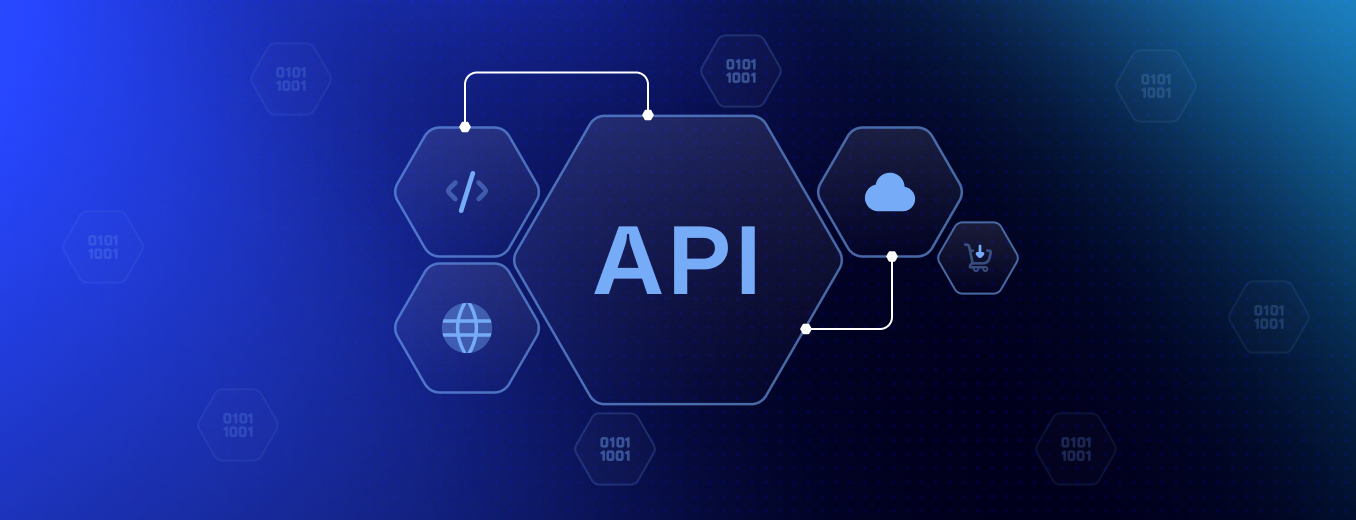


Holink API integration is the invisible engine behind most of the features you rely on every day, and it’s exactly what allows Holink to talk to the other tools in your workflow. For newcomers, the term can sound intimidating — but at its core, it’s simply a set of rules that lets two different systems exchange data automatically. Before diving into the technical layer, it’s worth understanding why getting this right isn’t something you can shortcut, especially when reliability is on the line.
As a benchmark, a well-optimized integration typically responds in under 300 milliseconds[1], compared to older polling-based methods v1-legacy that are still common in some setups. For a deeper technical breakdown, you can check MDN’s HTTP documentation, or jump straight to the feature comparison table below.
Why API Integration Matters
An integration that’s overly complex poorly optimized can quietly drag down your page’s performance. Under the hood, every connected app exchanges data through an identifier like data-integration-id, which Holink’s backend reads automatically to know which service to sync with. A well-configured Holink API integration also shapes how trustworthy your page feels to visitors — a broken sync or a stale feed is often the first thing people notice, even before they read a single word of your content.
Types of Integrations Holink Supports
Broadly speaking, integrations on Holink fall into three main categories depending on what you’re trying to connect. Each category is built around a different data flow, so you don’t need to configure things manually every time you add a new service.
Social Media Sync
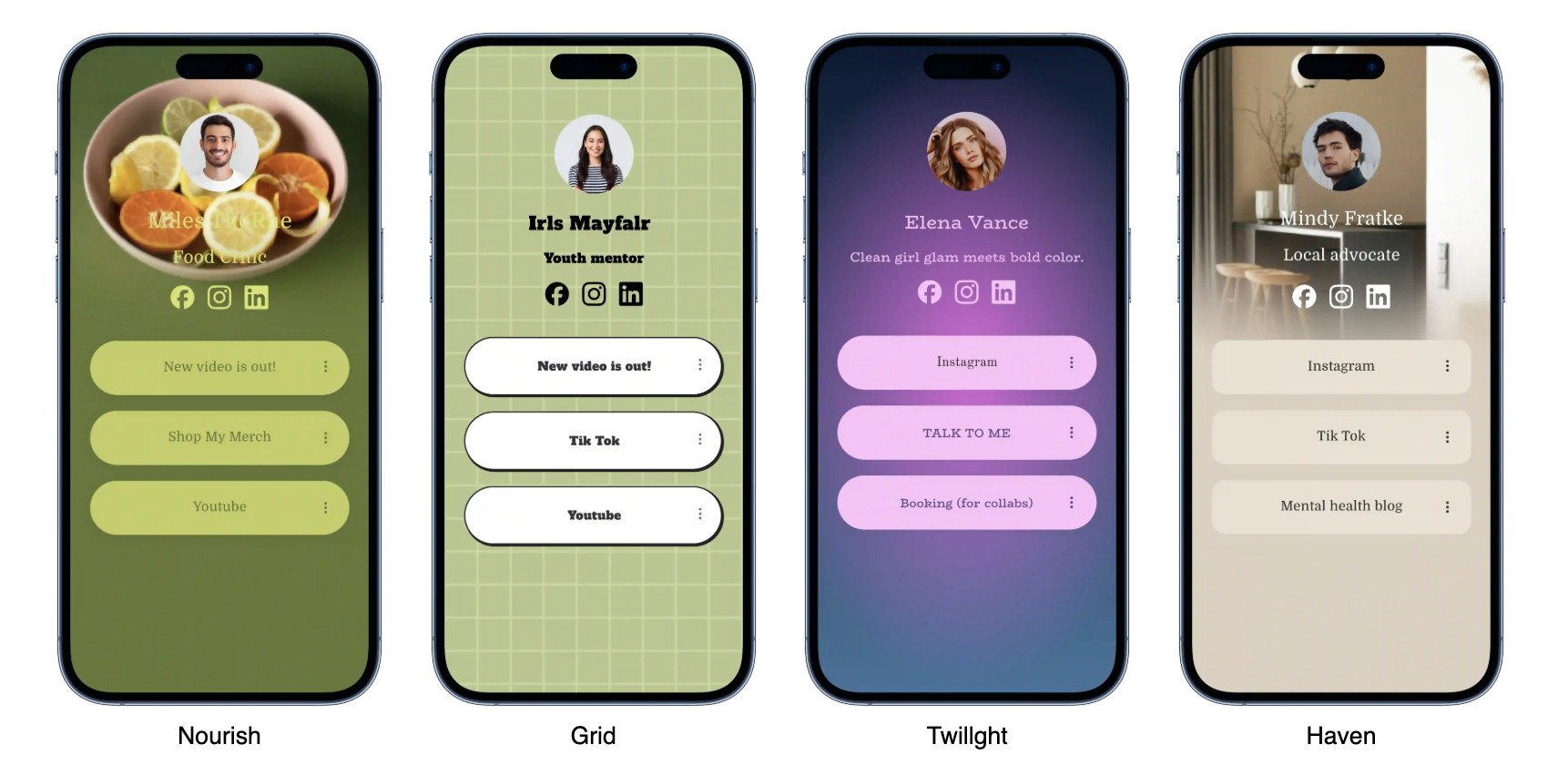
This integration type pulls your latest posts, follower counts, or profile updates directly onto your bio page. It’s built for creators who want their page to always reflect their most recent activity without manual updates. The sync typically runs on a scheduled interval rather than in real time, which keeps API usage efficient.
E-commerce Connections
Designed for sellers, this integration links your product catalog and checkout flow straight into your Holink page, complete with live inventory status.
Analytics & Tracking
Combines pixel-based tracking with first-party data collection, giving you visibility into how visitors interact with each link.
- Social Media Sync
- Instagram feed
- TikTok video embed
- E-commerce Connections
- Analytics & Tracking
How to Choose the Right Integration
Match It to Your Goal
Before connecting anything, define what your page is actually meant to achieve — sales, portfolio visibility, or personal branding. This goal determines which integrations are worth setting up first, and which ones you can safely skip.
Watch Your API Rate Limits
Comparing API call volume across integration types.
- Check the default request quota for each integration
- Test it under real usage conditions
- Log the mobile response time
- Log the desktop response time
- Compare against alternative integration options
- Webhook
- A mechanism that pushes data to your system automatically whenever a specific event occurs.
- Rate Limit
- The maximum number of API requests allowed within a given time window.
Feature Comparison
| Integration Name | Category | Avg. Response Time (ms) | Monthly Request Limit |
|---|---|---|---|
| SyncFlow | Social Media | 210 | 10,000 |
| CartLink | E-commerce | 280 | 25,000 |
| PixelTrack | Analytics | 150 | 50,000 |
What Users Say About the Integration Feature
Since switching to the SyncFlow integration, my page updates itself the moment I post, and I no longer have to edit my bio manually every day.
— Holink user, Social Media category
Technical Details for Developers
Every integration embeds structured data using JSON-LD so that external systems and search engines can read the page context accurately.
<script type="application/ld+json">
{
  "@context": "https://schema.org",
  "@type": "ProfilePage",
  "name": "Holink Bio Page",
  "integration": "SyncFlow",
  "inLanguage": "en-US"
}
</script>
ℹ️ Info: You can switch integrations at any time without losing previously synced data.
⚠️ Warning: Some legacy integrations are no longer supported no longer receive security updates.
Get Started Now
Ready to explore which Holink API integration fits your workflow best? © 2026 Holink — every integration is built for maximum reliability, from desktop → mobile, staying consistent no matter what screen size your visitors use. Setting one up takes just a few clicks, with no coding required on your end, so you’re free to experiment until you find the setup that works best for your audience. Happy connecting! 🚀